Web Development & Design
Your Photos Are Too Big. Here Is the Fix.
Open any slow website and the culprit is usually the same: photos straight from a phone or camera, each several megabytes, loaded at full size and squeezed into a small frame by CSS. A single such image can outweigh the rest of the page combined. Multiply by a gallery and you have a site that technically works and practically empties.
Why photo files are so heavy
A phone photo is built for printing posters, not for screens. Twelve megapixels capture detail your visitors will never see at display size, and the file carries all of it. Formats matter too. PNG preserves every pixel exactly, which suits logos and screenshots but balloons photographs. JPEG throws away detail the eye barely registers. WebP, the modern option, typically beats them both for photos, often cutting a third or more off a JPEG at equal visible quality.
None of this is visible to the person uploading. They pick a nice photo, the site accepts it, and every future visitor pays the download cost. The fix belongs before upload, not after.
The three moves that shrink any photo
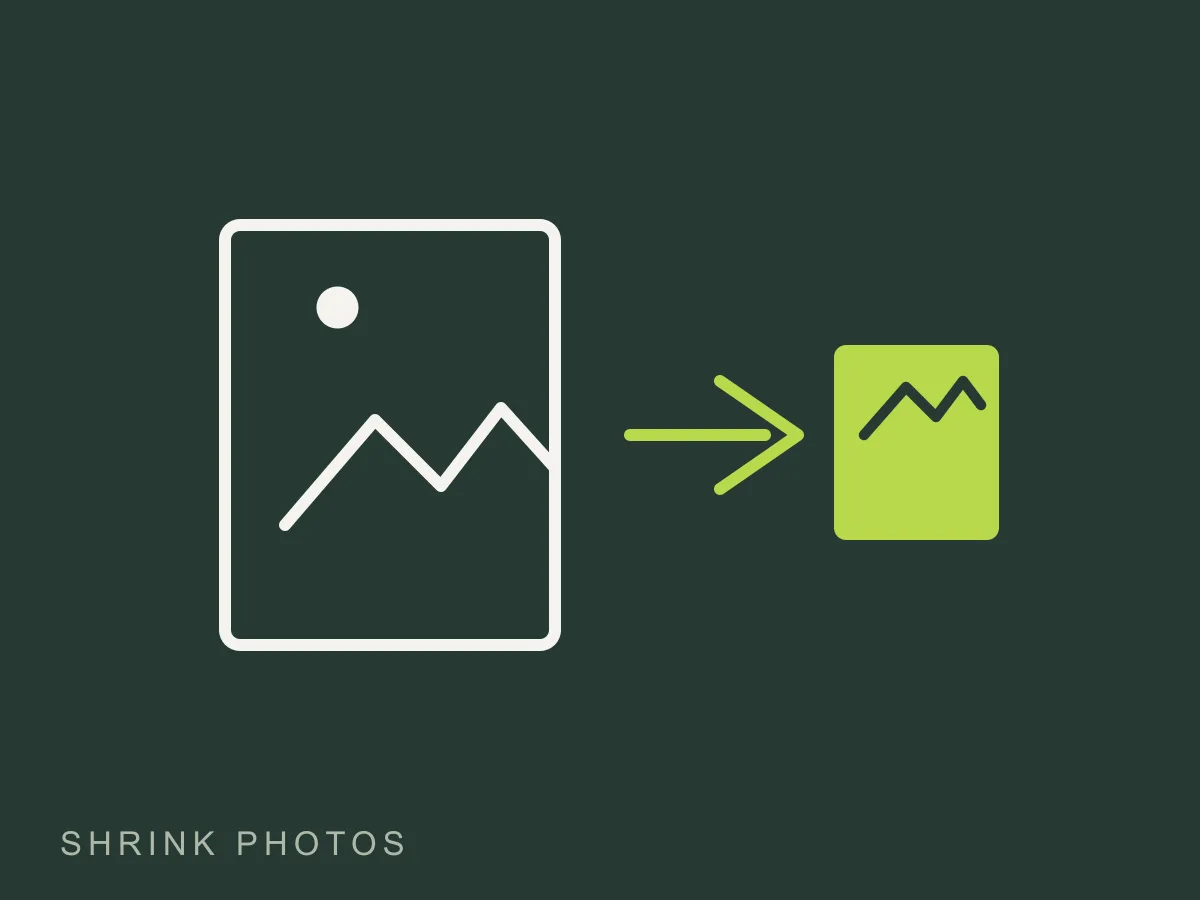
First, resize to the display size. A photo shown at 800 pixels wide never needs to be 4000 pixels wide. Resizing alone often removes three quarters of the weight. Second, pick the right format. Photos go to WebP or JPEG. Graphics with flat colors or text go to PNG. Third, lower the quality setting until just before you can see a difference, usually somewhere around 70 to 85 percent for JPEG and WebP. Below that, skies start banding and text edges fray. Above it, you pay bytes for quality nobody can perceive.
Those three moves turn a 5MB upload into a 150KB file that looks identical on screen. No trickery, just arithmetic.
Try it on your own photos
We built a free image compressor that does exactly this in your browser. Choose a max width, pick WebP or JPEG, drag the quality slider, and download the result. Your photos never leave your device, which you can confirm the blunt way: disconnect from the internet and compress anyway.
Run your homepage hero image through it, then compare the before and after weights. Most people find their largest image was carrying the whole page on its back. Fix that one file and retest your load time. The improvement is usually large enough to feel, not just measure.
Keep reading